Turn one answered question into customers: a content-to-conversion workflow that survives review
A practical workflow that turns one expert answer into an article, clip, and newsletter with owners, review gates, and one clear next step per asset.
These are partner or affiliate links. Cyber City Media may earn a commission.

Most content dies between the recording and the publish button. Not because the idea was bad, but because nobody owned the handoffs.
The workflow below fixes that. It starts from one question someone actually needs answered, runs it through five owned steps, and ends with three assets that each carry exactly one next step for the reader. The throughline is simple: every asset exists to move a qualified stranger one step closer to a conversation with you.
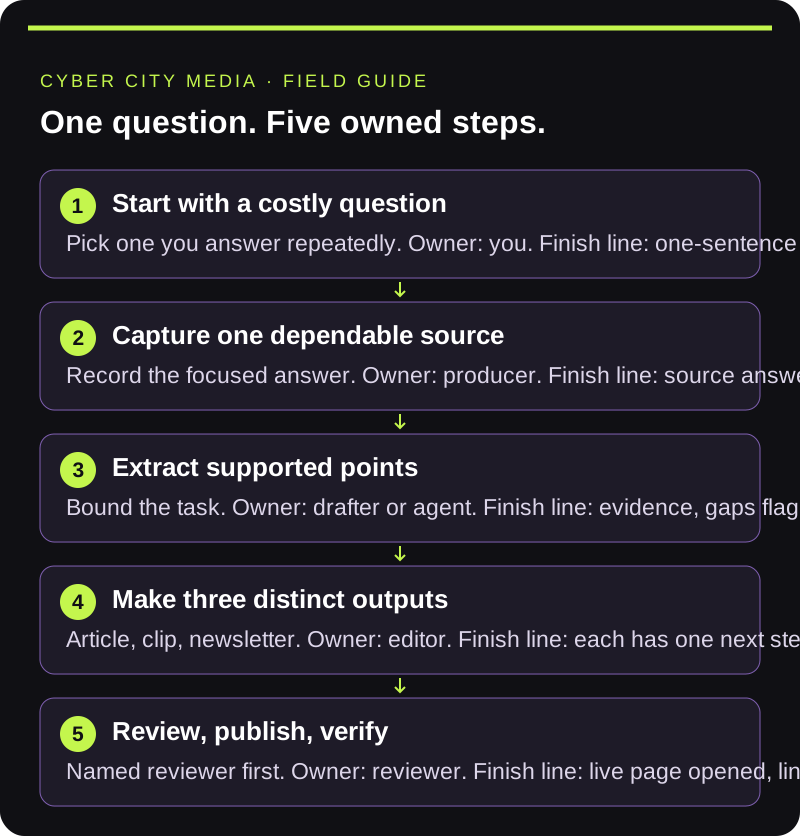
Start with a question that costs you time
Pick one question you answer repeatedly in calls, DMs, or community threads. If you answer it often, the market is telling you what to publish. Write a one-sentence brief: help a specific audience do a specific task using experience you can actually show. Choose the next step before you create anything, so the article, clip, and email all pull in the same direction.
Capture one dependable source
Record a focused explanation. A transcript helps with navigation, but check any quote you reuse against the recording. Your finish line is a source that answers the chosen question with enough context to support the finished content. If the source does not answer the question, fix the source before you multiply the assets. Multiplying a weak source just produces more weak content.
For remote conversations, Riverside is one recording option in CCM's partner toolkit. Choose a setup that fits your guests, source-quality needs, and review process.
Extract supported points before drafting
Give the work, whether to a person or an agent, a bounded task: identify the main steps, find the passages that support them, and flag anything unclear. Preserve uncertainty instead of filling gaps with plausible details. This is the cheapest place to catch a weak premise.
Make three outputs with distinct jobs
- An article: the whole process plus a checklist the reader can use.
- A short clip: one specific step, understandable on its own, with readable captions.
- A newsletter: why the question matters, one useful takeaway, and a link to the article.
Adapt each output to how someone encounters it. Do not promise a download, registration flow, or resource until it exists and works.
Descript is an editing option to evaluate when turning the source into a captioned clip. Keep the original recording available and review the exported version, not just the draft inside the editor.
Review the content and the handoffs
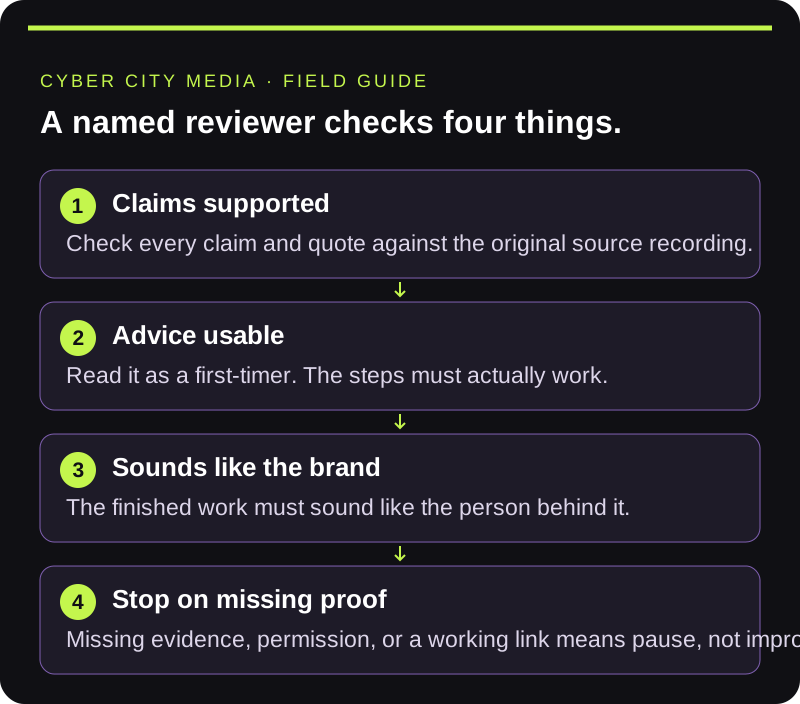
A named reviewer checks whether each claim is supported, whether the advice is usable, and whether it sounds like the brand behind it. Watch the clip with sound and without it. Test the call to action. Keep revisions attached to the asset being reviewed; vague feedback produces vague revisions.
Publish, verify, and learn
Release only approved assets through authorized accounts. Open the published article on desktop and mobile, check its links, and confirm the live address before linking it anywhere. A proposed slug or preview page is not proof of publication.
Then watch for signals that match the piece's purpose: relevant replies, article visits from the email, qualified project inquiries. Keep those separate from views. A widely watched clip and a useful sales conversation answer different questions. Use the questions people still ask to choose the next topic.
The conversion layer most teams skip
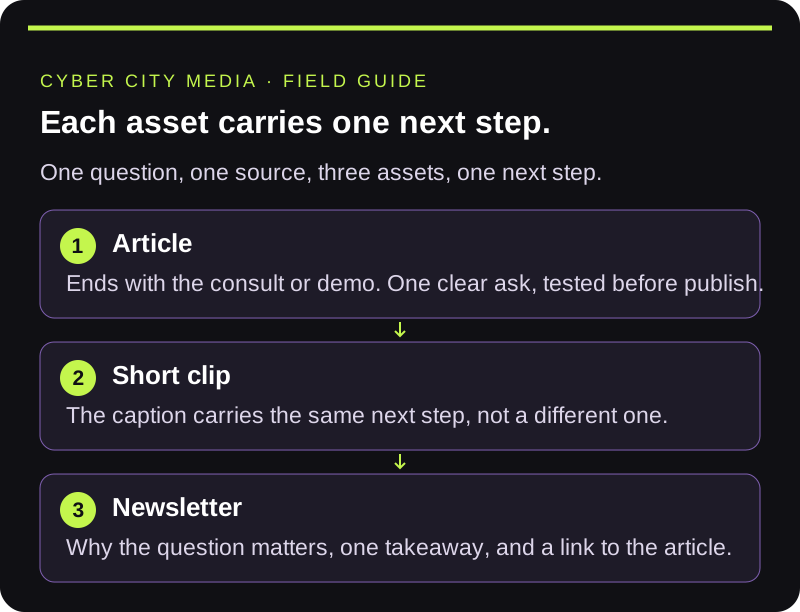
Each asset gets one next step, chosen before creation. The article ends with the consult or demo. The clip's caption carries the same step, not a different one. The newsletter repeats it. One question, one source, three assets, one next step. That is what makes the workflow convert instead of just publish.
Bring one audience question you keep answering, and the step where production stalls.